Vibe Coding for Nearly Free: Claude Code + OpenRouter with Free Models

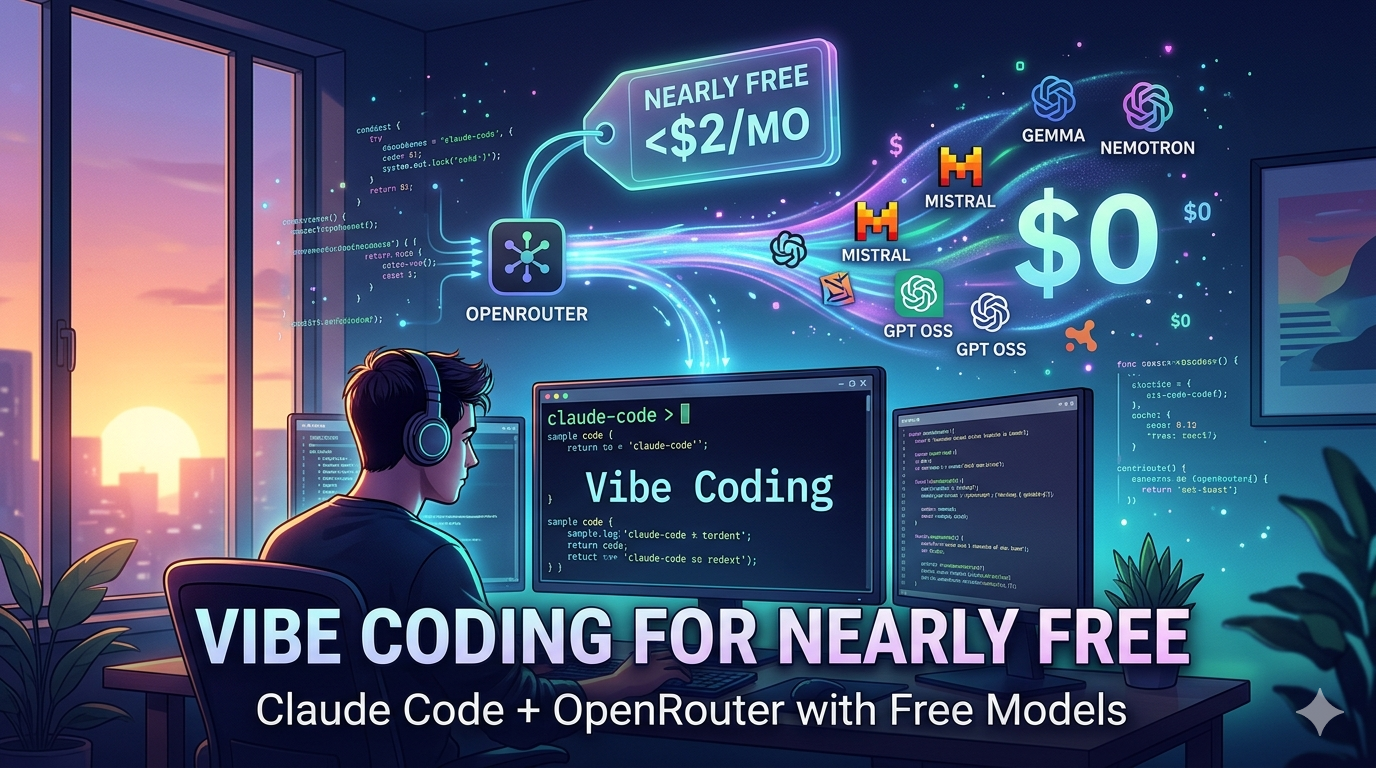
I've been integrating AI into my development workflow, but I quickly realized that costs can spiral out of control if not monitored carefully. Premium AI coding assistants with their subscription models and "pro" tiers can easily become expensive-especially for personal and open-source projects where budgets are tight. I found myself needing to track every API call and watch my usage like a hawk.
The cost barrier to AI-assisted development has finally crumbled. After months of experimenting with various setups, I've found a combination that lets me build production-quality software while spending almost nothing: Claude Code paired with OpenRouter's free tier models.
The Evolution of My AI Coding Setup
When I first started using AI coding assistants, I was quickly confronted with the reality that quality comes at a price. Premium models from Anthropic, OpenAI, and others can easily run up bills of $50-100+ per month for regular usage. As an indie developer, that's not sustainable.
My journey went something like this:
- Early experiments: Direct API calls to premium models (expensive) - Claude Opus/Sonnet were excellent but prohibitively expensive
- Intermediate phase: Mix of premium and open-source models (moderate cost) - Tried cheaper Mistral models on paid APIs but quality was significantly worse
- Local experiments: Attempted running models locally with Ollama - MacBook Air M2 (16GB) lacks VRAM for large models, small models (Gemma) have poor quality, and even with swap, medium models (quantized Qwen) have terrible performance
- Current setup: Claude Code + OpenRouter free tier (near-zero cost)
The breakthrough came when I realized that for many coding tasks, I don't need the most expensive, cutting-edge models. I need models that are:
- Good enough to understand code context
- Capable of generating functional code
- Fast enough to not break my flow
- Free or extremely cheap
Why Claude Code?
Claude Code has become my primary interface for AI-assisted coding because it offers something unique: a terminal-native experience that feels like pair programming with a knowledgeable colleague.
Key advantages:
- Seamless terminal integration: No context switching between IDE and chat interface
- File-aware operations: Understands your project structure and can read/write files directly
- Command-based workflow: Natural integration with existing development practices
- Session memory: Remembers context across interactions within a session
- Agentic loop: Claude Code continuously analyses context and iteratively proposes and executes actions (edits, reads, exec) for reactive and proactive assistance.
- Tools and skills: Built‑in capabilities like ultrareview, planning, dependency management and other micro‑tools streamline the workflow.
What really sets Claude Code apart is how it handles complex, multi-file operations. Rather than just suggesting code snippets, it can actually implement features across multiple files, run tests, and even debug issues.
I use a hybrid approach: a large model for the planning phase (Claude Code plan mode), then a cheap/free model for the actual development. This lets me structure the task with the power of a big model while keeping costs low during coding.
The OpenRouter Free Tier Advantage
OpenRouter's free tier has been a game-changer. Through their platform, I get access to several high-quality models at zero cost:
Models I regularly use:
- Nemotron 3 Super (my current primary, listed as free on OpenRouter but incurs a small per‑request fee or uses your credit balance, so it may cost dollars depending on your OpenRouter usage settings): Excellent for code generation and understanding - I chose this specifically for its thinking capabilities, excellent time to first token, and token throughput
- Mistral models: Strong performance on coding tasks
- Google's Gemma models: Surprisingly capable for their size
- OpenAI GPT OSS (120b): Large open‑source model with deep understanding of text and code, ideal for detailed prompts and tasks requiring extensive context.
Important note about free tier limits: While the models are free to use, OpenRouter implements rate limits to prevent abuse. Free tier users are limited to 20 requests per minute. Additionally, there are daily limits based on purchased credits:
- Less than 10 credits: 50 free model requests per day
- At least 10 credits: 1000 free model requests per day
I've found that purchasing just $10 in credits OpenRouter (which lasts a long time given how inexpensive these models are) gives me plenty of headroom for daily development work. The cost is negligible compared to traditional AI coding assistants.
The key insight is that different tasks benefit from different models:
- Architecture/design discussions: Use the most capable free model available
- Straightforward code generation: Mid-tier models work perfectly
- Debugging/log analysis: Even smaller models excel at pattern matching
- Learning/exploration: Any model can help explain concepts
Cost Analysis: Nearly Free Development
Let's break down the actual costs:
Traditional approach:
- Claude Pro: $20/month
- GitHub Copilot: $10/month
- OpenAI API usage: $20-50/month (depending on usage)
- Total: $50-80/month
My current approach:
- Claude Code: Free (open-source CLI tool)
- OpenRouter free tier: $0
- Occasional premium model usage for complex tasks: <$2/month
- Total: <$2/month
That's a 95-97% cost reduction while maintaining excellent development velocity.
Quality Considerations
You might wonder: does using free models compromise quality? My experience says no, with some caveats:
Where free models excel:
- Boilerplate code generation
- Standard algorithms and data structures
- API integration code
- Documentation and comments
- Bug fixes and refactoring
Where you might want premium models:
- Complex architectural decisions
- Novel algorithm development
- Edge case handling in security-critical code
- When maximum reliability is required
The trick is knowing when to use which. For 80% of my coding tasks, the free models on OpenRouter are more than sufficient.
Tips for Maximizing Free Tier Usage
- Be specific in your prompts: Vague requests waste tokens and give poorer results
- Break problems into smaller chunks: Easier for models to handle, less context needed
- Use the right model for the task: Match model capability to task complexity
- Leverage Claude Code's file operations: Let it read your codebase to provide better context
- Cache good prompts: Save effective prompt patterns for reuse
- Monitor usage: Keep an eye on which models you're using most effectively
The Bigger Picture: AI for All
What excites me most about this setup isn't just the cost savings-it's the democratizing effect. When AI-assisted development becomes accessible to virtually anyone with an internet connection, we unlock tremendous creative potential.
Imagine:
- Students in developing countries learning to code with AI assistance
- Hobbyists building projects without worrying about API costs
- Entrepreneurs validating ideas quickly and cheaply
- Open-source contributors able to contribute more effectively
This isn't just about saving money-it's about lowering the barrier to entry for software creation.
Getting Started Yourself
If you want to try this approach:
-
Install Claude Code:
brew install claude-code(via Homebrew) -
Sign up for OpenRouter: OpenRouter (free tier available immediately)
-
Configure your OpenRouter API key in Claude Code settings
Claude Code talks to Anthropic by default. To route through OpenRouter you must set the following environment variables before running Claude Code:
export ANTHROPIC_BASE_URL="https://openrouter.ai/api"export ANTHROPIC_AUTH_TOKEN="<your‑OpenRouter‑API‑key>"export ANTHROPIC_API_KEY=""The empty
ANTHROPIC_API_KEYtells Claude Code to skip the built‑in Anthropic key and use the custom base URL and token above. This lets you alias any model name (e.g.,gpt-oss-120b:free) to the OpenRouter endpoint. -
Start with simple tasks to get a feel for how the models respond
-
Experiment with different models to find what works best for your workflow
Model configuration: I'm using openai/gpt-oss-120b:free with maxContextTokens set to 135000 in ~/.claude/settings.json to stay within the model’s context window.
The Future of Affordable AI Coding
As open-source models continue to improve and platforms like OpenRouter expand their free tiers, I believe we're heading toward a future where high-quality AI-assisted coding is accessible to everyone, regardless of budget.
The tools are already here. The cost barrier is falling. All that's left is to build.